Skip to content

surelivo.com

  • Home
  • Technology Guides
  • Contact Us
surelivo.com
  • How to Recognize Software Updates That Require Extra Caution
    Technology Guides

    How to Recognize Software Updates That Require Extra Caution

    Byadmin October 17, 2026

    Recognizing software updates that require extra caution starts with looking beyond the familiar “Update now” button. Most updates are routine, but some alter permissions, install new firmware, affect sensitive data, or come from sources you haven’t verified. A little checking can prevent a broken workflow, lost files, privacy surprises, or malware disguised as a helpful…
    Read More How to Recognize Software Updates That Require Extra CautionContinue

  • Why Your Phone Storage Fills Up Even After Deleting Photos
    Technology Guides

    Why Your Phone Storage Fills Up Even After Deleting Photos?

    Byadmin October 17, 2026

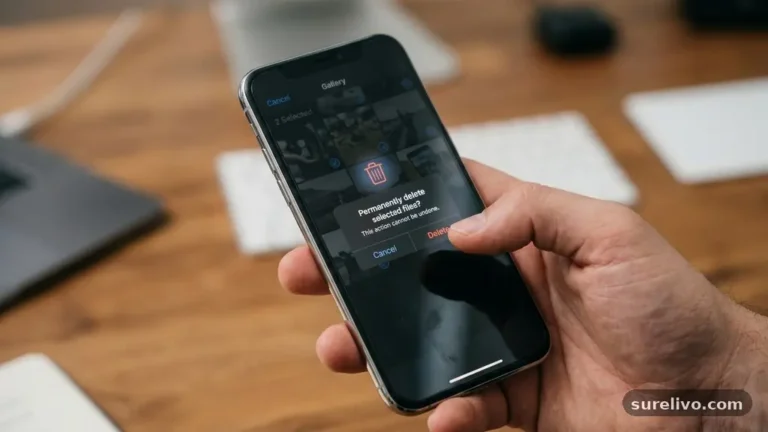
    Your phone can show plenty of deleted photos while storage barely changes, which is why “Your Phone Storage Fills Up Even After Deleting Photos” is such a common frustration. The pictures may still be sitting in a Recently Deleted folder, duplicated in a cloud library, attached to messages, or represented by cached files that remain…

    Read More Why Your Phone Storage Fills Up Even After Deleting Photos?Continue

  • How to Stop Unwanted Notifications Without Missing Important Alerts
    Technology Guides

    How to Stop Unwanted Notifications Without Missing Important Alerts

    Byadmin October 17, 2026

    A practical approach to stoping Unwanted Notifications Without Missing Important Alerts starts with separating useful interruptions from digital noise. The aim isn’t to silence your phone completely; it’s to make sure a message from family, a bank fraud warning, or an emergency alert can still reach you while marketing prompts and low-value updates stay out…

    Read More How to Stop Unwanted Notifications Without Missing Important AlertsContinue

  • What to Check Before Moving Your Files to a New Computer
    Technology Guides

    What to Check Before Moving Your Files to a New Computer

    Byadmin October 17, 2026

    Before you check before moving your files to a new computer, pause long enough to identify what you actually need, what must stay private, and what could be lost during a rushed transfer. Documents are only part of the picture; browser bookmarks, email archives, application settings, passwords, and license details may matter just as much….

    Read More What to Check Before Moving Your Files to a New ComputerContinue

  • How to Organize Downloaded Files Without Losing Important Documents
    Technology Guides

    How to Organize Downloaded Files Without Losing Important Documents

    Byadmin October 17, 2026

    Organizing Downloaded Files Without Losing Important Documents starts with one simple idea: every file should have a known home before it disappears into a crowded Downloads folder. A few thoughtful habits can reduce desktop clutter, protect vital records, and make document management far less stressful. You’ll gain a practical digital filing system for PDFs, Microsoft…

    Read More How to Organize Downloaded Files Without Losing Important DocumentsContinue

  • Why Some Websites Work on Mobile Data but Fail on Wi-Fi
    Technology Guides

    Why Some Websites Work on Mobile Data but Fail on Wi-Fi?

    Byadmin October 17, 2026

    If you’re dealing with the problem people describe as “Some Websites Work on Mobile Data but Fail on Wi-Fi,” the website itself usually isn’t broken. The difference is often hidden in DNS resolution, router configuration, filtering rules, or the path your Wi-Fi network takes to the site. That’s good news: you can usually isolate the…

    Read More Why Some Websites Work on Mobile Data but Fail on Wi-Fi?Continue

  • How to Check Whether a Browser Extension Still Needs Permission
    Technology Guides

    How to Check Whether a Browser Extension Still Needs Permission

    Byadmin October 17, 2026

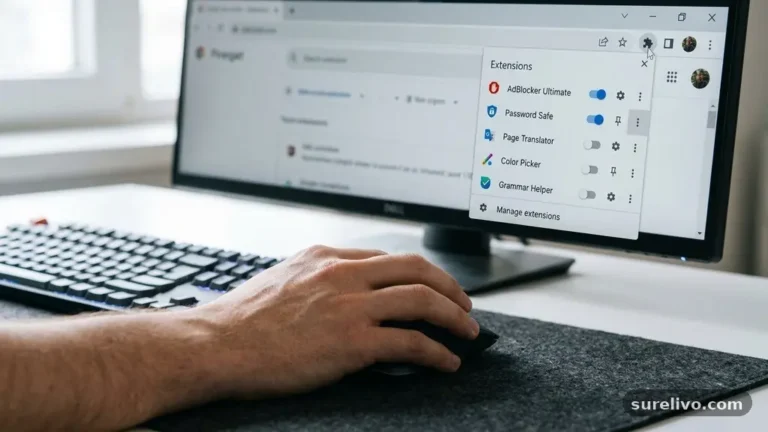
    Checking Whether a Browser Extension Still Needs Permission is a practical privacy habit, especially when an add-on can read websites, change page content, or view browsing activity. Permissions that made sense months ago may no longer match how you use the tool today. A quick review can show which access is essential, which can be…

    Read More How to Check Whether a Browser Extension Still Needs PermissionContinue

  • What Happens When You Reset an App Without Deleting Your Account
    Technology Guides

    What Happens When You Reset an App Without Deleting Your Account?

    Byadmin October 17, 2026

    Understanding what “Happens When You Reset an App Without Deleting Your Account” usually means can prevent a lot of unnecessary panic. An app reset often removes information stored on your phone, such as cached files, local preferences, and an active sign-in session, while your account and server-side data remain intact. The distinction matters because resetting…

    Read More What Happens When You Reset an App Without Deleting Your Account?Continue

  • How to Find Apps That Keep Running After You Close Them
    Technology Guides

    How to Find Apps That Keep Running After You Close Them

    Byadmin October 17, 2026

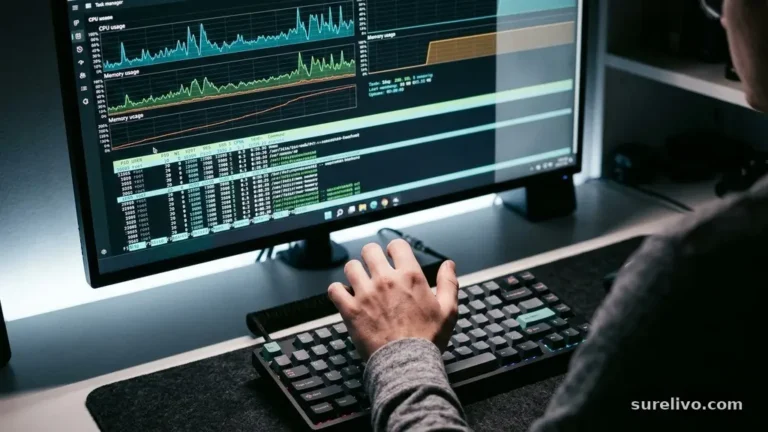
    If you’re finding Apps That Keep Running After You Close Them, the first thing to know is that closing a window doesn’t always end an app’s work. Phones and computers may leave background processes active for notifications, syncing, location updates, or quick relaunches. Identifying those apps can improve battery life, reduce mobile data use, and…

    Read More How to Find Apps That Keep Running After You Close ThemContinue

  • Why Your Computer Feels Slower After Installing New Software
    Technology Guides

    Why Your Computer Feels Slower After Installing New Software?

    Byadmin October 17, 2026

    If Your Computer Feels Slower After Installing New Software, the change is usually explainable rather than mysterious. A new application may be using memory, running background processes, adding startup programs, or competing for limited disk space even when you aren’t actively using it. The good news is that sluggishness often responds to a few careful…

    Read More Why Your Computer Feels Slower After Installing New Software?Continue

Page navigation

Previous PagePrevious 1 2 3

© 2026 surelivo.com - WordPress Theme by Kadence WP

  • Home
  • Technology Guides
  • Contact Us