Skip to content

surelivo.com

  • Home
  • Technology Guides
  • Contact Us
surelivo.com
  • How to Build a Simple Monthly Digital Maintenance Routine
    Technology Guides

    How to Build a Simple Monthly Digital Maintenance Routine

    Byadmin October 17, 2026October 17, 2026

    Building a Simple Monthly Digital Maintenance Routine gives your files, devices, accounts, and online habits a manageable reset point. Instead of waiting for a full inbox, a nearly full phone, or a suspicious login to force action, you spend a short, focused session keeping digital clutter under control. A good routine doesn’t require technical expertise…


    Read More How to Build a Simple Monthly Digital Maintenance RoutineContinue

  • Why Screenshots Look Different Across Phones and Computers
    Technology Guides

    Why Screenshots Look Different Across Phones and Computers?

    Byadmin October 17, 2026October 17, 2026

    Screenshots Look Different Across Phones and Computers because a captured image is only one part of the viewing chain. The file may be identical, yet display resolution, pixel density, colour handling, brightness, scaling, and software can make it appear sharper, darker, warmer, or more saturated on another device. That matters when you’re checking a design,…

    Read More Why Screenshots Look Different Across Phones and Computers?Continue

  • How to Reduce Background App Activity Without Breaking Essential Features
    Technology Guides

    How to Reduce Background App Activity Without Breaking Essential Features

    Byadmin October 17, 2026

    Reducing Background App Activity Without Breaking Essential Features starts with a simple distinction: some apps need to work quietly in the background, while others are only consuming battery, data, and attention. A blanket shutdown can stop useful alerts, delay messages, or break automatic synchronization, but a thoughtful cleanup can make a phone feel faster and…

    Read More How to Reduce Background App Activity Without Breaking Essential FeaturesContinue

  • What to Check When a Website Keeps Signing You Out
    Technology Guides

    What to Check When a Website Keeps Signing You Out

    Byadmin October 17, 2026

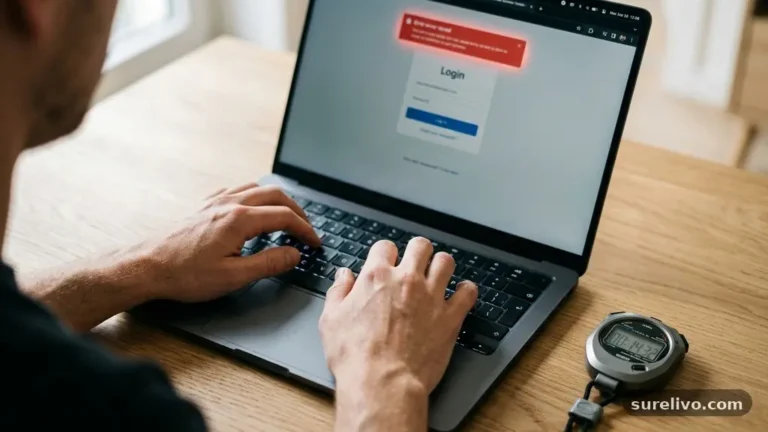
    When a website keeps signing you out, the cause may be as simple as an expired session or as tricky as a cookie, browser extension, or network change interfering with your login. Check When a Website Keeps Signing You Out by working through the problem in a sensible order rather than repeatedly entering the same…

    Read More What to Check When a Website Keeps Signing You OutContinue

  • How to Separate Work and Personal Accounts on One Device
    Technology Guides

    How to Separate Work and Personal Accounts on One Device

    Byadmin October 17, 2026

    Separating work and personal accounts on one device keeps messages, files, contacts, and notifications from blurring together. Done thoughtfully, separating Work and Personal Accounts on One Device can protect confidential information without forcing you to carry two phones or tablets. You’ll gain clearer boundaries, fewer accidental sign-ins, and a simpler way to switch from professional…

    Read More How to Separate Work and Personal Accounts on One DeviceContinue

  • Why Copying Large Files to a USB Drive Can Take Longer Than Expected
    Technology Guides

    Why Copying Large Files to a USB Drive Can Take Longer Than Expected?

    Byadmin October 17, 2026

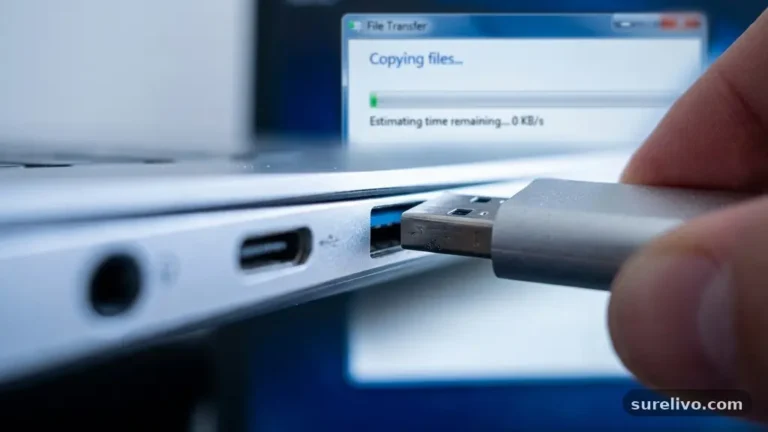
    Copying large files to a USB drive can take longer than expected, even when the drive appears modern and your computer shows a fast connection. The delay usually comes from several factors working together: the USB transfer speed, the drive’s actual write performance, the file size and file count, and the condition of the source…

    Read More Why Copying Large Files to a USB Drive Can Take Longer Than Expected?Continue

  • How to Recover a Browser Session After an Unexpected Shutdown
    Technology Guides

    How to Recover a Browser Session After an Unexpected Shutdown

    Byadmin October 17, 2026

    When recovering a Browser Session After an Unexpected Shutdown, the first priority is to protect what remains before opening and closing windows at random. A power cut, frozen computer, forced restart, or browser crash often leaves behind enough information to bring back important tabs, forms, research, and work. The right recovery method depends on the…

    Read More How to Recover a Browser Session After an Unexpected ShutdownContinue

  • What to Review Before Giving a Desktop App Administrator Access
    Technology Guides

    What to Review Before Giving a Desktop App Administrator Access

    Byadmin October 17, 2026

    Review Before Giving a Desktop App Administrator Access is a small pause that can prevent a large security problem. An installer asking for administrator approval may need to write files, configure services, or change protected settings, but that request doesn’t prove the software is trustworthy. A careful review helps you separate a legitimate technical requirement…

    Read More What to Review Before Giving a Desktop App Administrator AccessContinue

  • How to Check Whether Cloud Files Are Stored on Your Device
    Technology Guides

    How to Check Whether Cloud Files Are Stored on Your Device

    Byadmin October 17, 2026

    Checking Whether Cloud Files Are Stored on Your Device helps you understand what you can open without internet access, how much local storage your files consume, and whether deleting a download might affect your work. A cloud folder can look full while most files remain online-only, or it can quietly hold large offline copies that…

    Read More How to Check Whether Cloud Files Are Stored on Your DeviceContinue

  • Why Your Laptop Battery Percentage Changes After Restarting
    Technology Guides

    Why Your Laptop Battery Percentage Changes After Restarting?

    Byadmin October 17, 2026

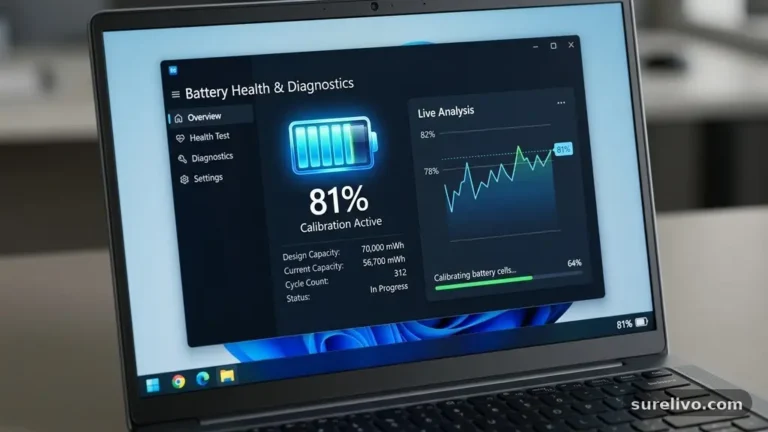
    Your Laptop Battery Percentage Changes After Restarting because the number on screen is an estimate, not a direct reading of stored energy. A restart gives the battery fuel gauge, operating system, and charging hardware a fresh chance to compare voltage, temperature, and usage data. That can make a laptop jump from 62% to 55%, or…

    Read More Why Your Laptop Battery Percentage Changes After Restarting?Continue

Page navigation

1 2 3 Next PageNext

© 2026 surelivo.com - WordPress Theme by Kadence WP

  • Home
  • Technology Guides
  • Contact Us